Magnum inverter communication fault

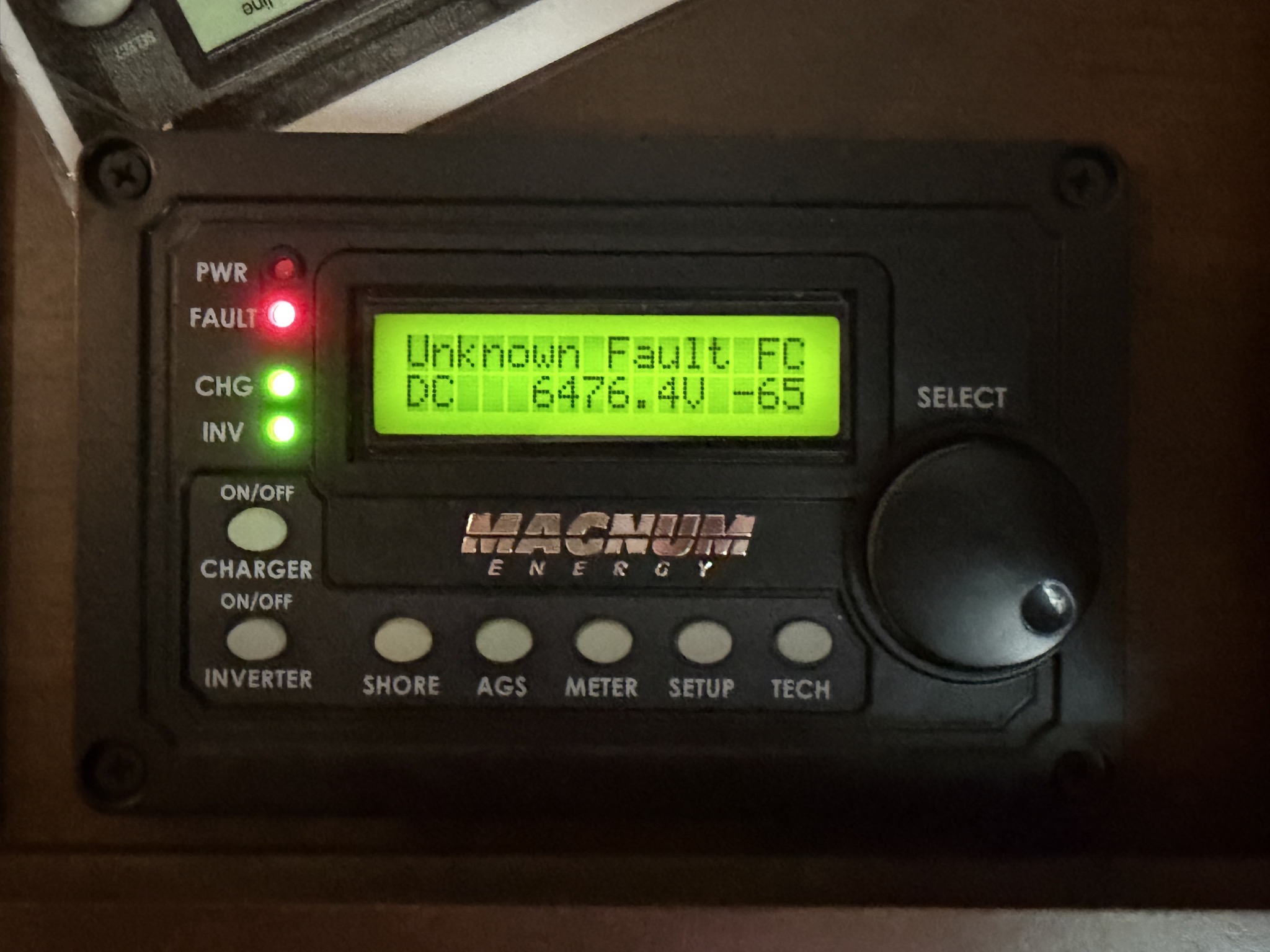
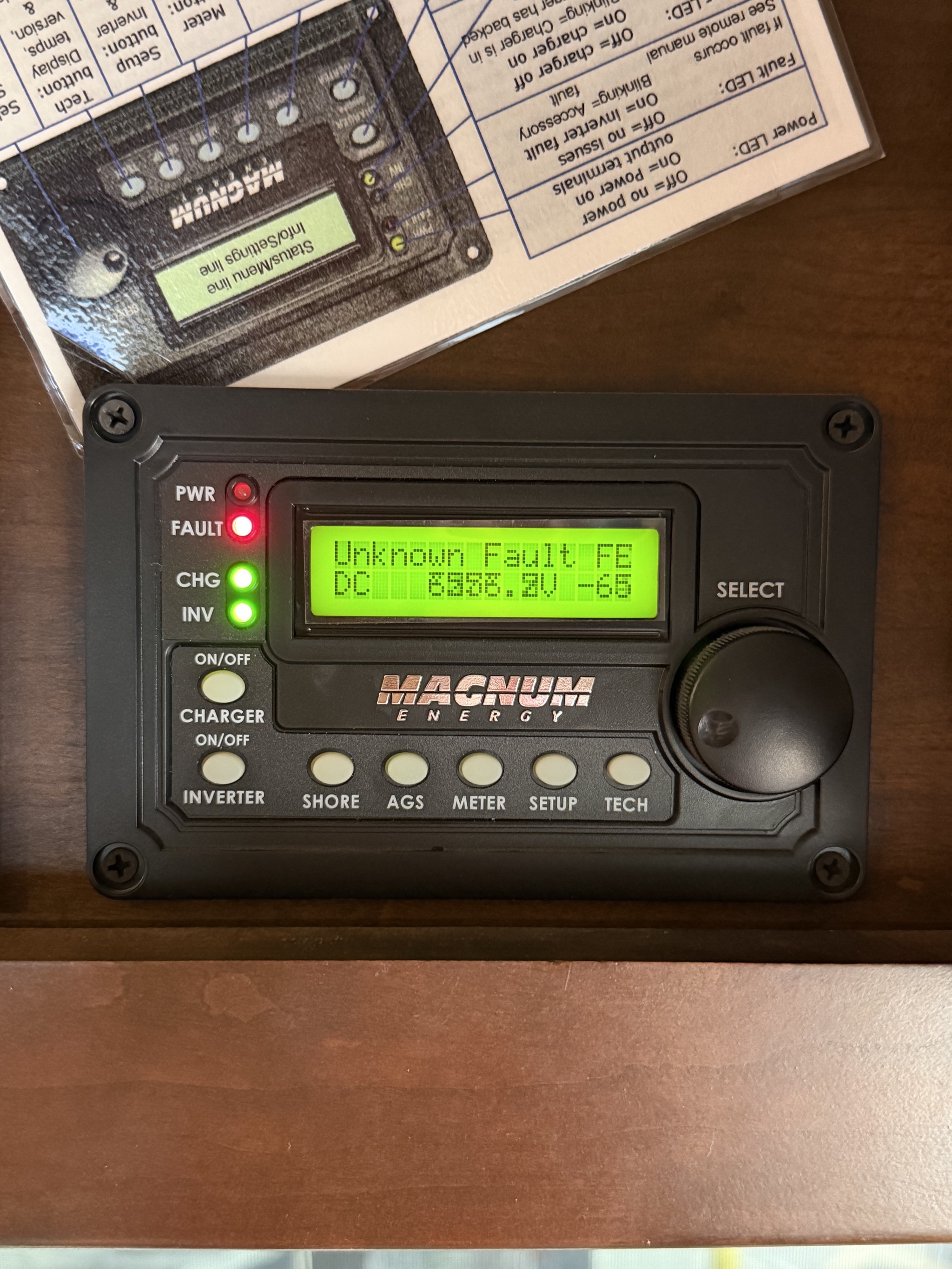
Late last year we had an issue where our inverter panel reported an “Unknown Fault”, showing garbage on the screen. I reset the inverter, and the fault went away.

Recently, I had the same “Unknown Fault” and garbage display… but resetting the inverter didn’t solve it.

Inverter Unknown Fault

Inverter Unknown Fault

I looked at the inverter itself, and fiddled with the network cables, and the issue went away… for a while, but came back after driving, so obviously something was loose:

Inverter network cables

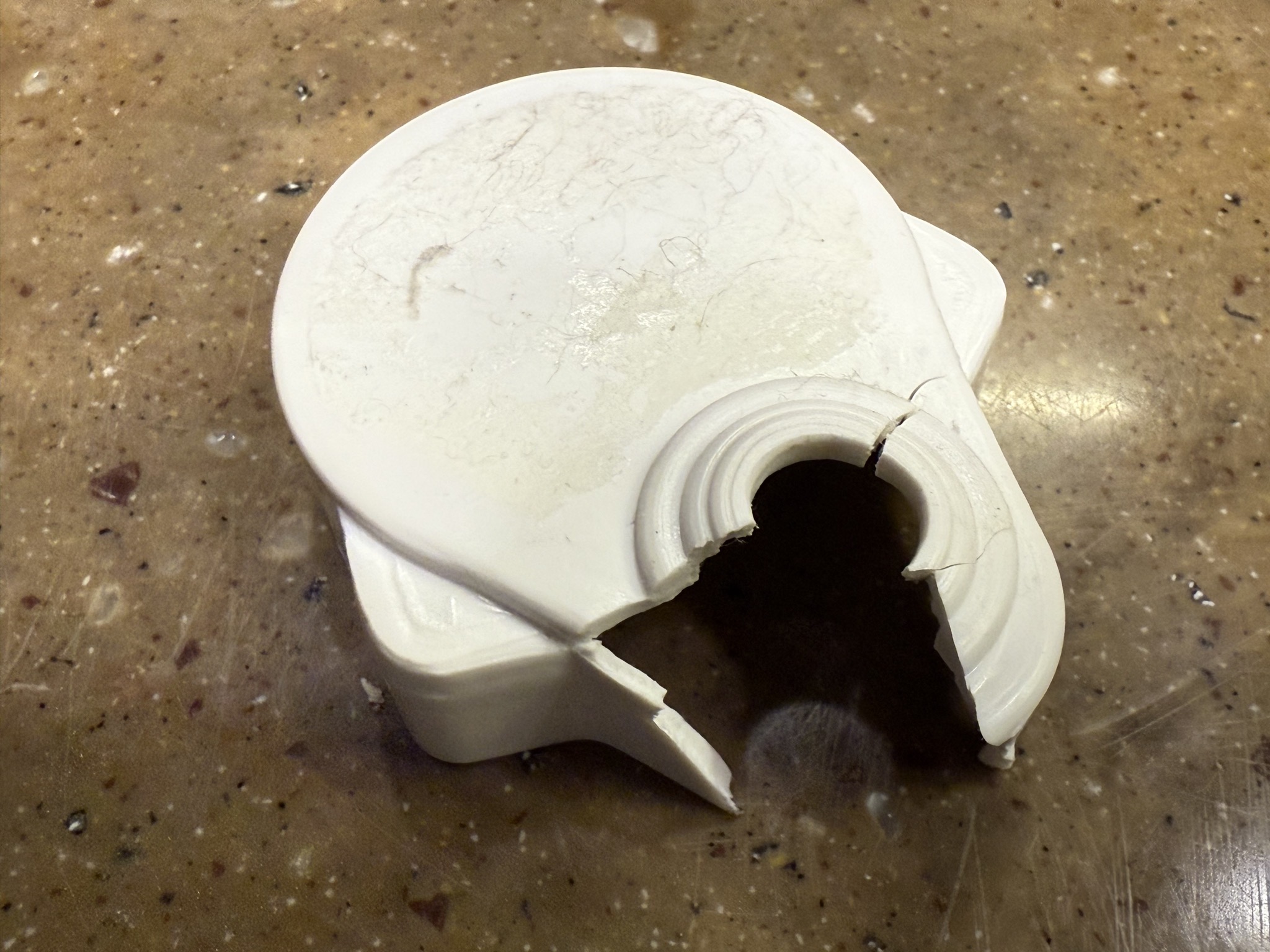
The phone line splitter was a prime suspect, and indeed it was crumbling:

Old phone line splitter

So I bought new phone line splitters; I thought that one with a short cord would be more resilient:

Phone line splitters

Installed:

Inverter network cables

That did the trick.

Power Watchdog smart surge protector

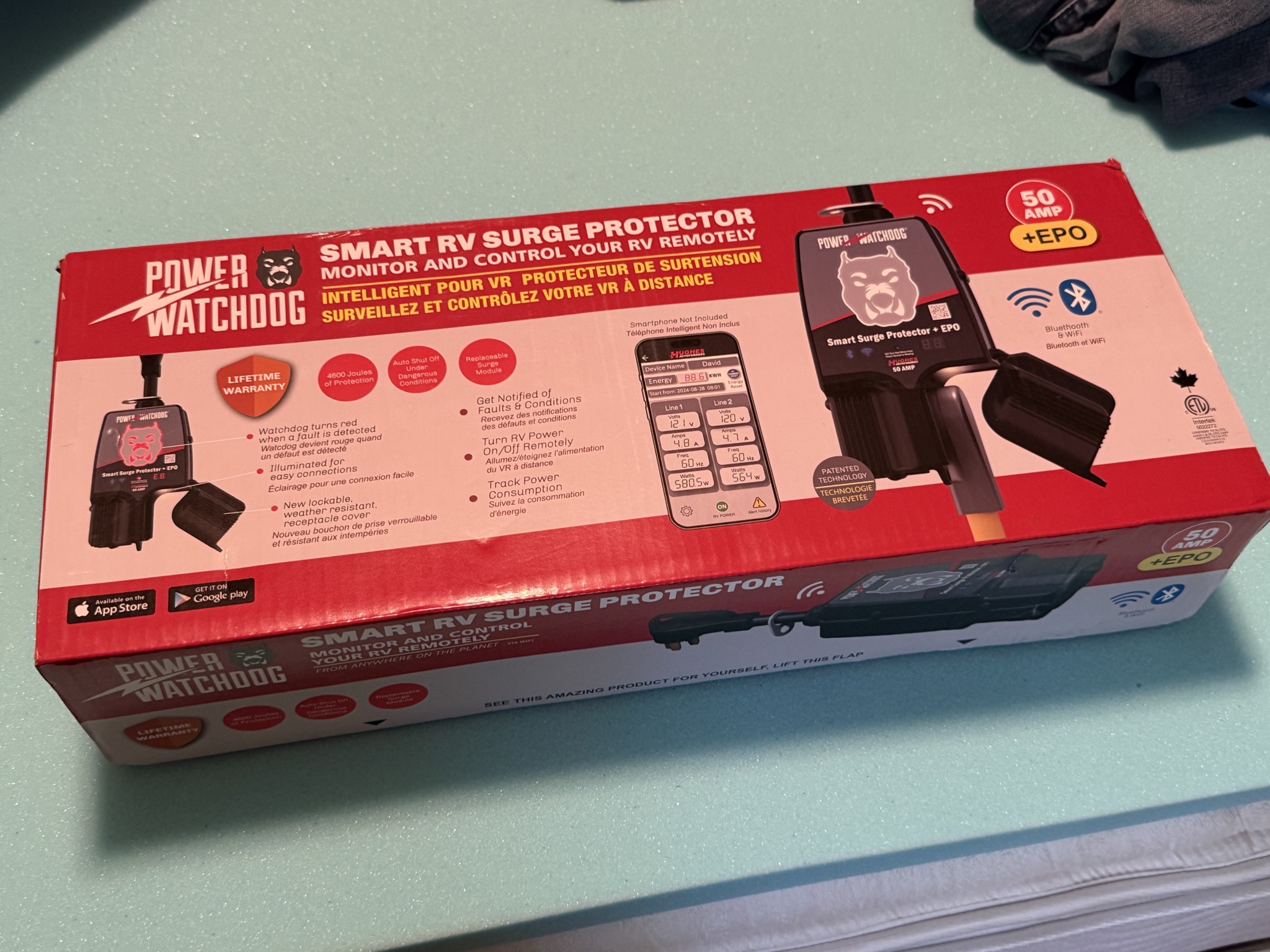
I’ve had a Power Watchdog smart surge protector for years, but I recently upgraded it to the new version, after a campsite pedestal issue partially melted the plug on my old one. This new model adds Wi-Fi support, a more compact form factor, protection for the plug, and built-in display dimming.

Unboxing:

Power Watchdog

Power Watchdog

The updated Power Watchdog app, which also lets you turn the power on and off without having the flip the breaker:

Power Watchdog app

A nice improvement is the ability to change the dog face brightness; no need for a dimmer shade sticker anymore:

Dog face brightness

The Power Watchdog connected:

Power Watchdog connected

A nice upgrade.

Starlink mounted on RV roof

We use Starlink as our primary internet service, though with cellular as a backup. We used to use an Actuated gen 2 dish, but earlier this year bought a new Standard gen 4 dish, with the intention to mount on the roof of our motorhome, so we can have Starlink internet service while driving down the road, plus don’t have the hassle of setting up the dish each time we stop.

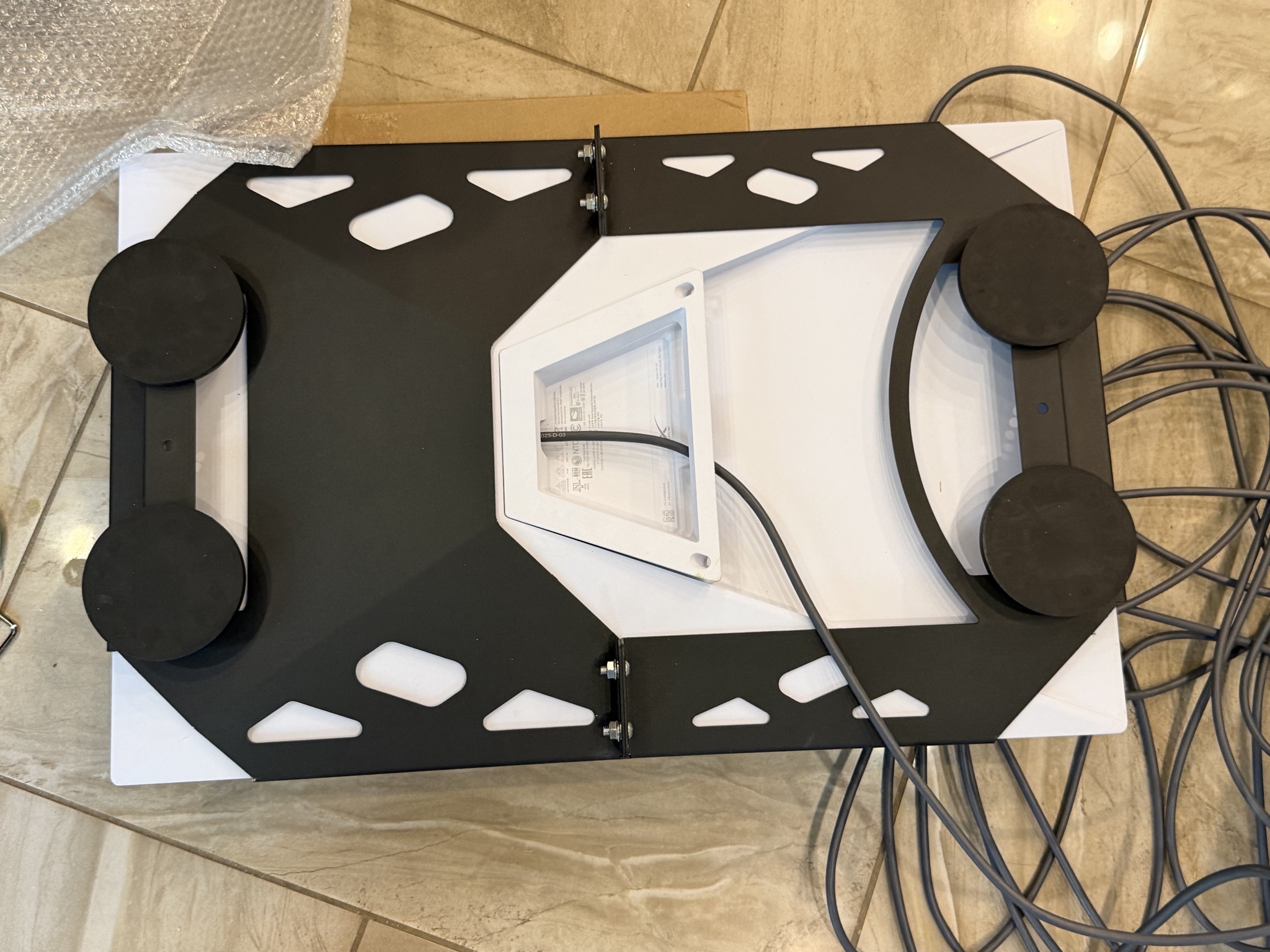
To mount the Starlink dish to the roof, I bought a magnetic mount, so we’d be able to somewhat easily remove it if needed:

Starlink dish in magnetic mount

Our coach roof is fiberglass, so I also got a metal plate for the mount to stick to:

Metal plate

I bought a modem mount that holds the Starlink modem and power supply, but decided I wanted a different arrangement:

Starlink modem and power supply mount

Instead I bought a different mount that I thought would work better, with separate pieces for the power supply and modem; they are meant to screw to the wall, but I attached them with heavy-duty velcro strips:

Starlink power supply and modem

Starlink power supply and modem

Cellular internet cupboard on the left, Starlink on the right:

Starlink power supply and modem

While at Oregon Motorcoach Center we got them to install the Starlink mount on the roof for us:

Starlink mount installed

Flying my drone later, showing the Starlink mount installation:

Starlink mount installed

Starlink mount installed

Starlink mount installed

Starlink mount installed

The wire from the dish going across the roof to a new junction box on the back of the front cap:

Starlink mount installed

Starlink mount installed

So nice to have Starlink always available. The only downside of the roof mount is if we park under trees, but most of the time the dish can still see enough sky to work well.

BLUETTI Elite 30 600W 288Wh portable power station

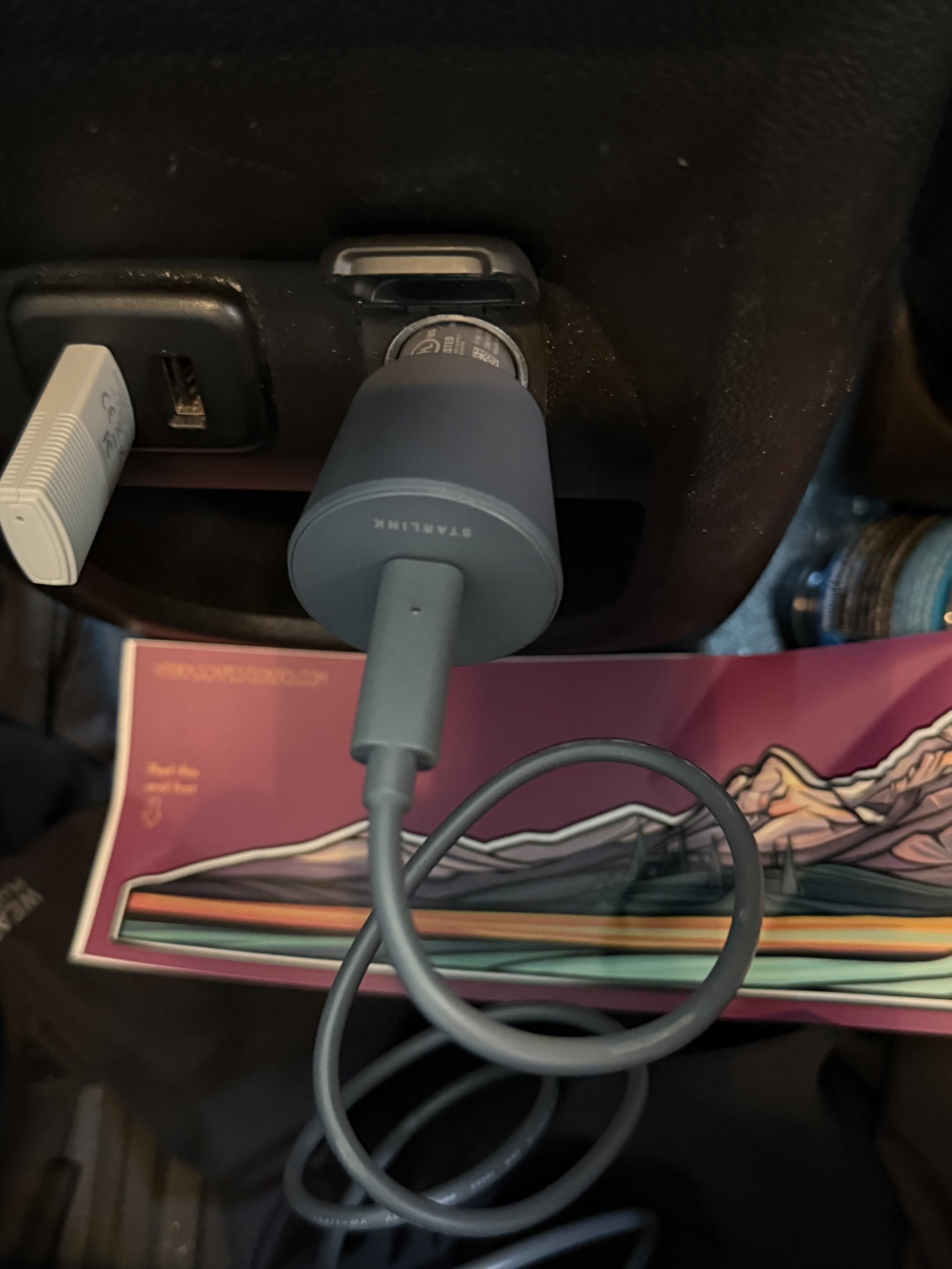
We have a Starlink Mini dish mounted on the roof of our truck, for use when we are driving in areas with little or no cell service, which can be quite nice. It was plugged into a 12V outlet by the back seat. But a minor inconvenience with it was that this outlet loses power when the truck is turned off, so we lose the internet connection, and it takes a minute to re-establish after starting the truck again.

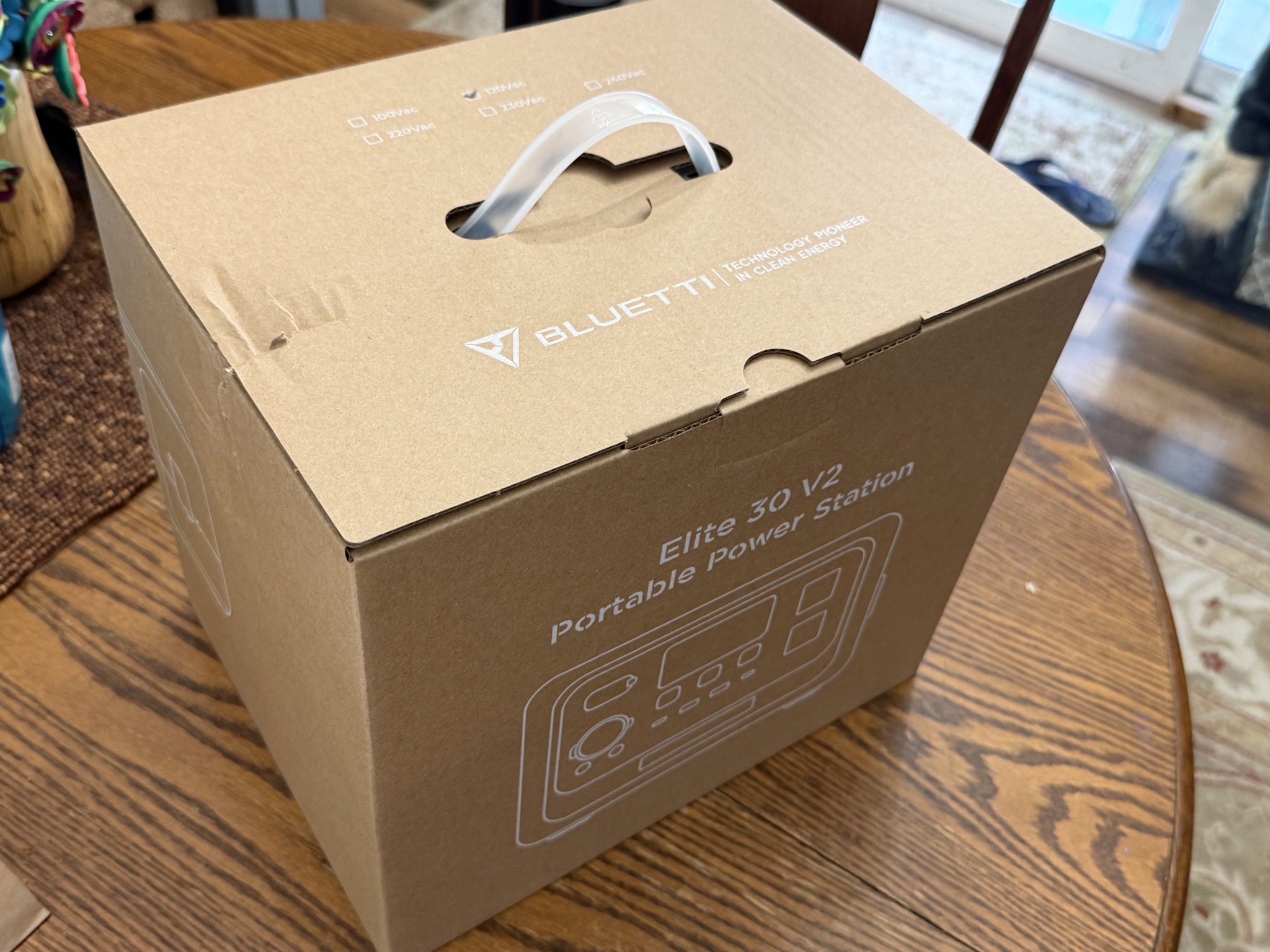
To address that, I got a BLUETTI Elite 30 600W 288Wh portable power station. It is plugged into that 12V outlet, and the Starlink dish is plugged into its 12V outlet.

So now we can control whether or not to start the Starlink connection by turning on the DC output of the battery, and it can continue as long as we like. Plus the power station may be useful for other uses when out and about.

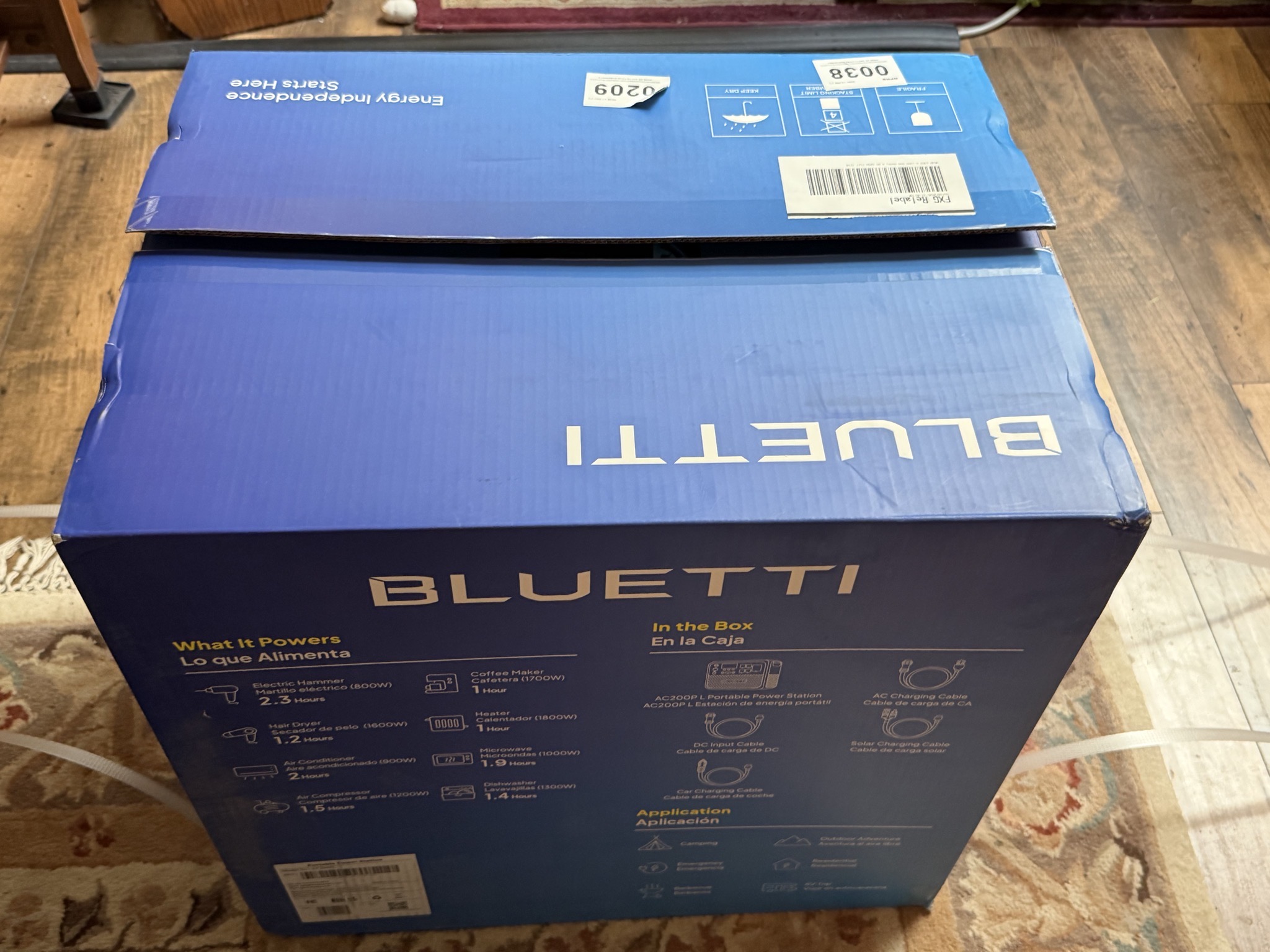
Unboxing:

Unboxing

Front of the power station; it has an input for DC or solar panel, three 12V DC outputs, two USB-C, two USB-A, and two AC outputs:

Power station

AC input on the side:

Power station

Stats:

Power station

Initially charging the battery via AC:

Power station

In the back seat of our truck, with 111W input from the truck (while idling) and 26W output to the Starlink Mini dish:

Power station

It has an app, which is more convenient to adjust settings:

App

Velocity Truck Centers for engine air heater repair

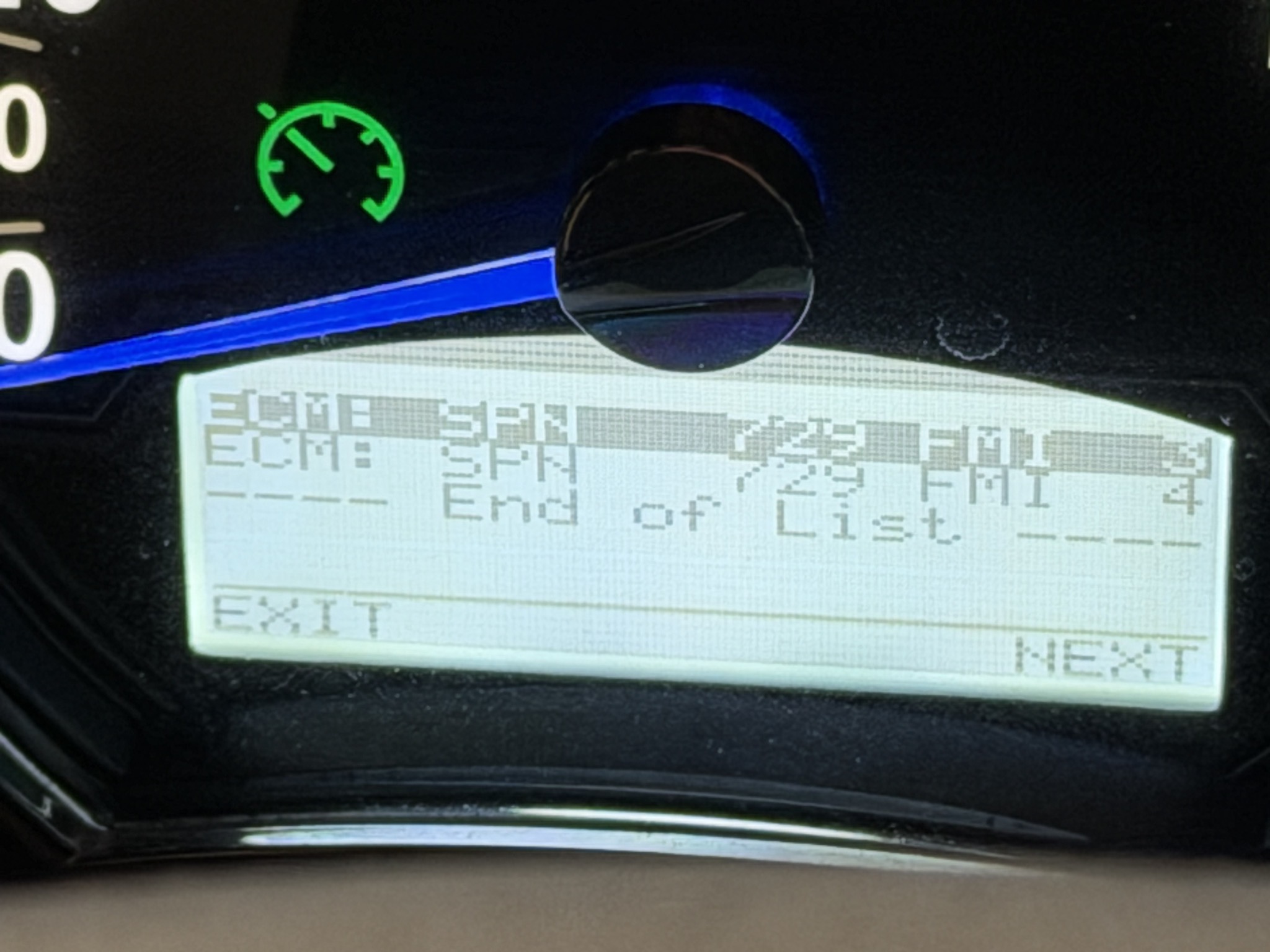
As we were arriving in Phoenix, we got a Check Engine light on our dash. Never a welcome occurrence!

Error codes on dash

Looking in the BlueFire app, it showed more details of the codes; clearly a short of the engine intake air heater:

BlueFire faults page

Later in our stay, we started the engine again to see if the codes were still there. They were, so I contacted NIRVC to see if they could fix it. They referred me to Velocity Truck Centers, which is a Cummins dealer, and has an RV department.

Travel route, heading south then back north afterwards:

Travel route

Our appointment was for 7 AM; we considered arriving the day before, since they had a few full-hookup spots, but decided to just go very early in the morning. Probably a good thing, as their RV department was very busy that day; there may not have been a spot for us.

We toaded up just before sunrise:

Toading up early in the morning

Toading up early in the morning

Sunrise:

Sunrise

Exit to the truck place:

Exit

A hot air balloon in the distance:

Hot air balloon in the distance

Arriving at the truck service center:

Truck service center

Velocity Truck Centers:

Velocity Truck Centers

The RV waiting room was so crowded that one couple brought in camp chairs:

Crowded waiting room

We decided we didn’t want to hang out there, so went to Chick-fil-A for second breakfast:

Chick-fil-A for second breakfast

Then some chores, and to Starbucks to spend the next five hours:

Starbucks

They completed the work in the afternoon; the issue was a metal-wrapped line intermittently touching the heater relay, causing a short. They secured the line, and replaced the relay, since it had been damaged by the arcing. Just over one RV Buck (about $1,300) to fix.

Heading back to the RV park after the work was complete:

Heading back to the RV park

Arriving back at Paradise:

Arriving back at Paradise

Back to our site, which looks a bit weird without the RV there:

Back to our site

Back to our site

A hassle, but I’m glad it was a relatively easy fix.

Replacing closet light

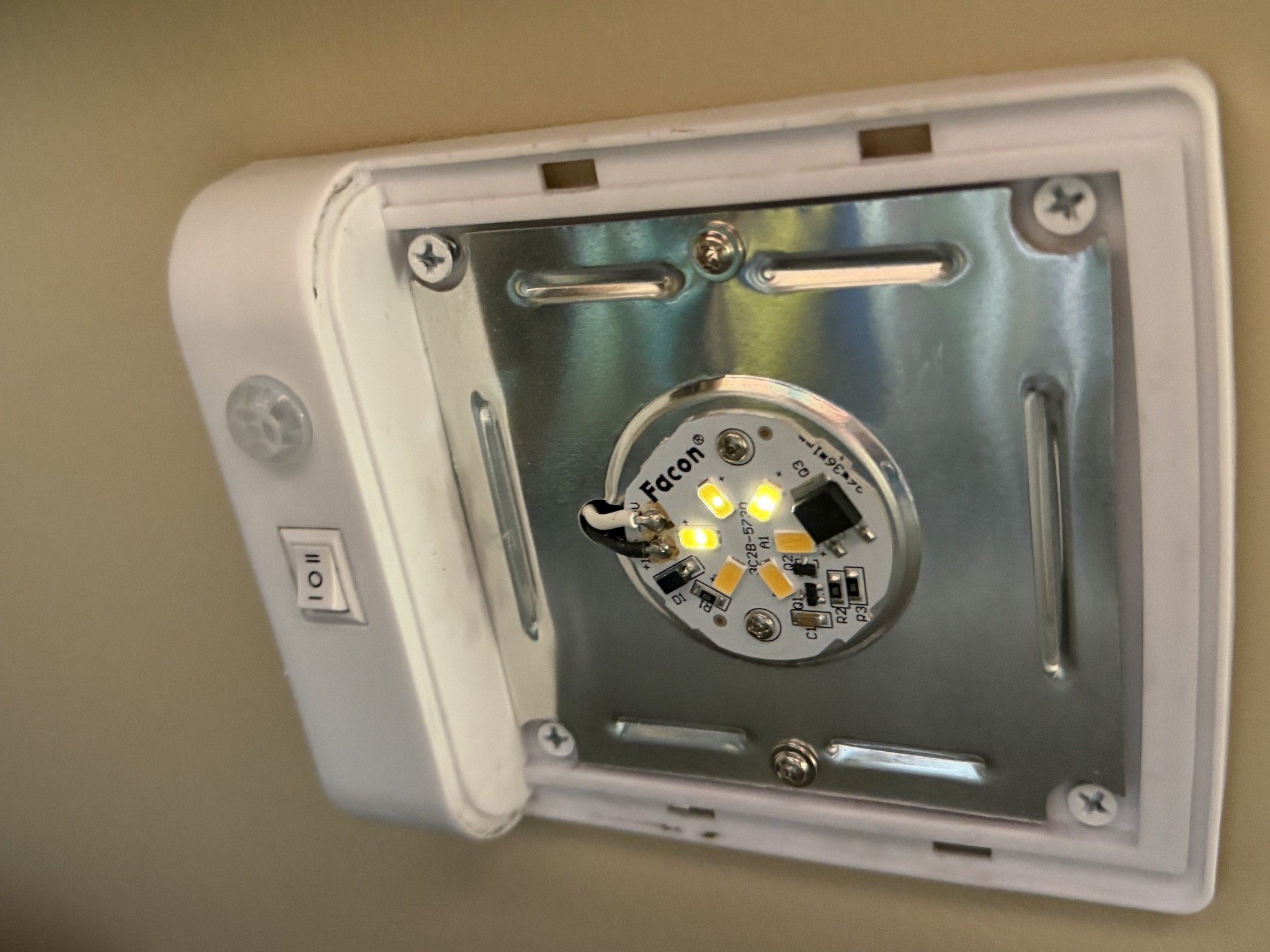
One of the lights in our rear closet stopped working properly; very dim, and only half working:

Closet light not fully working

Plus blinking:

Blinking

I unmounted it from the ceiling:

Unmounted from the ceiling

Then replaced it with a new one, bought from Tiffin:

Replaced light

Remounted on the ceiling:

Remounted on the ceiling

Done:

Done

An easy fix.

RV improvements

I’ve previously posted about the modifications we’ve done to our 2017 Tiffin Allegro Bus 40SP motorhome (including annual summaries), but I thought it’d be interesting to list all of the improvements (as opposed to repairs) in one place, with links to the corresponding blog posts (where available):

That’s a lot of improvements!

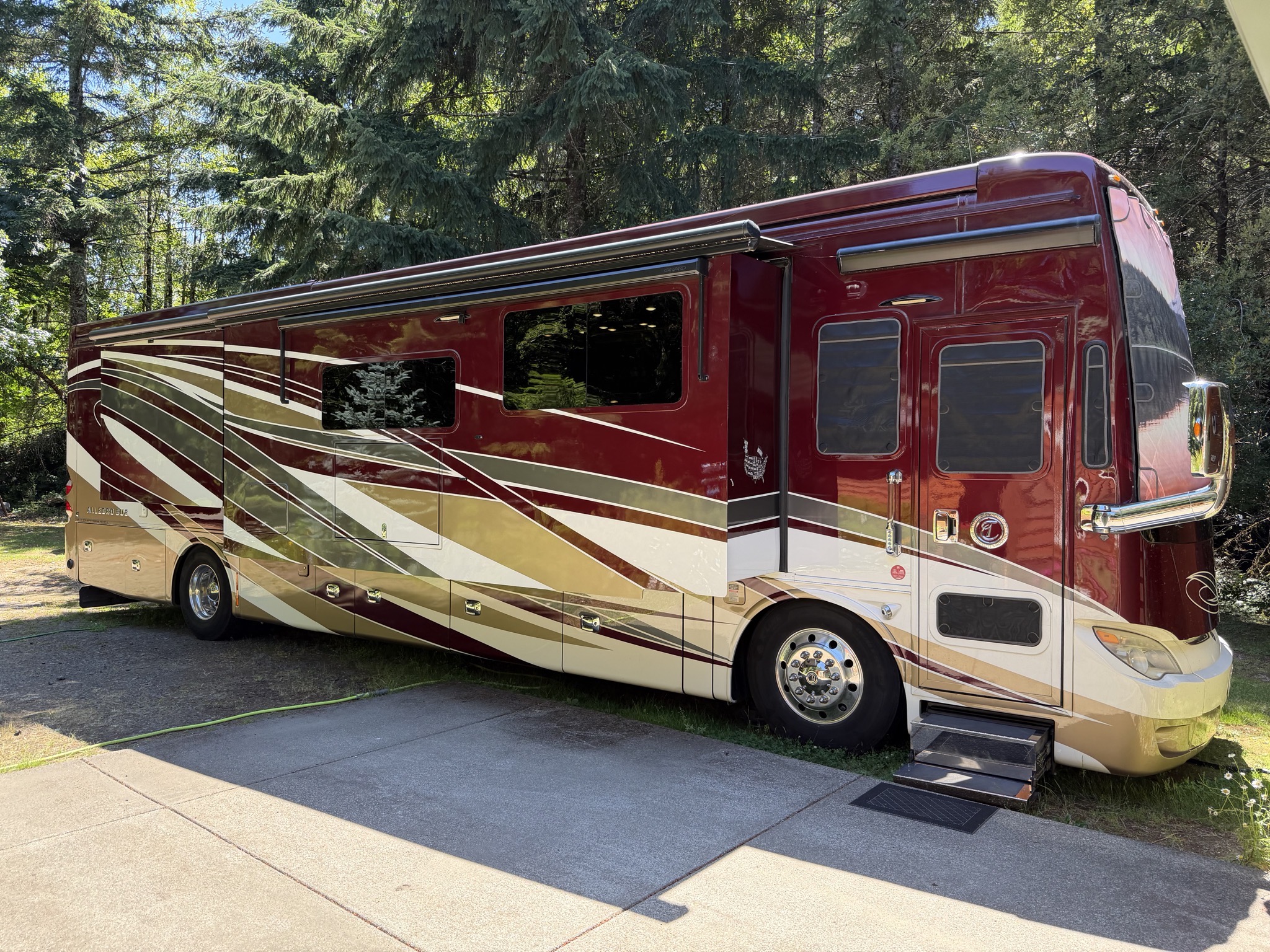
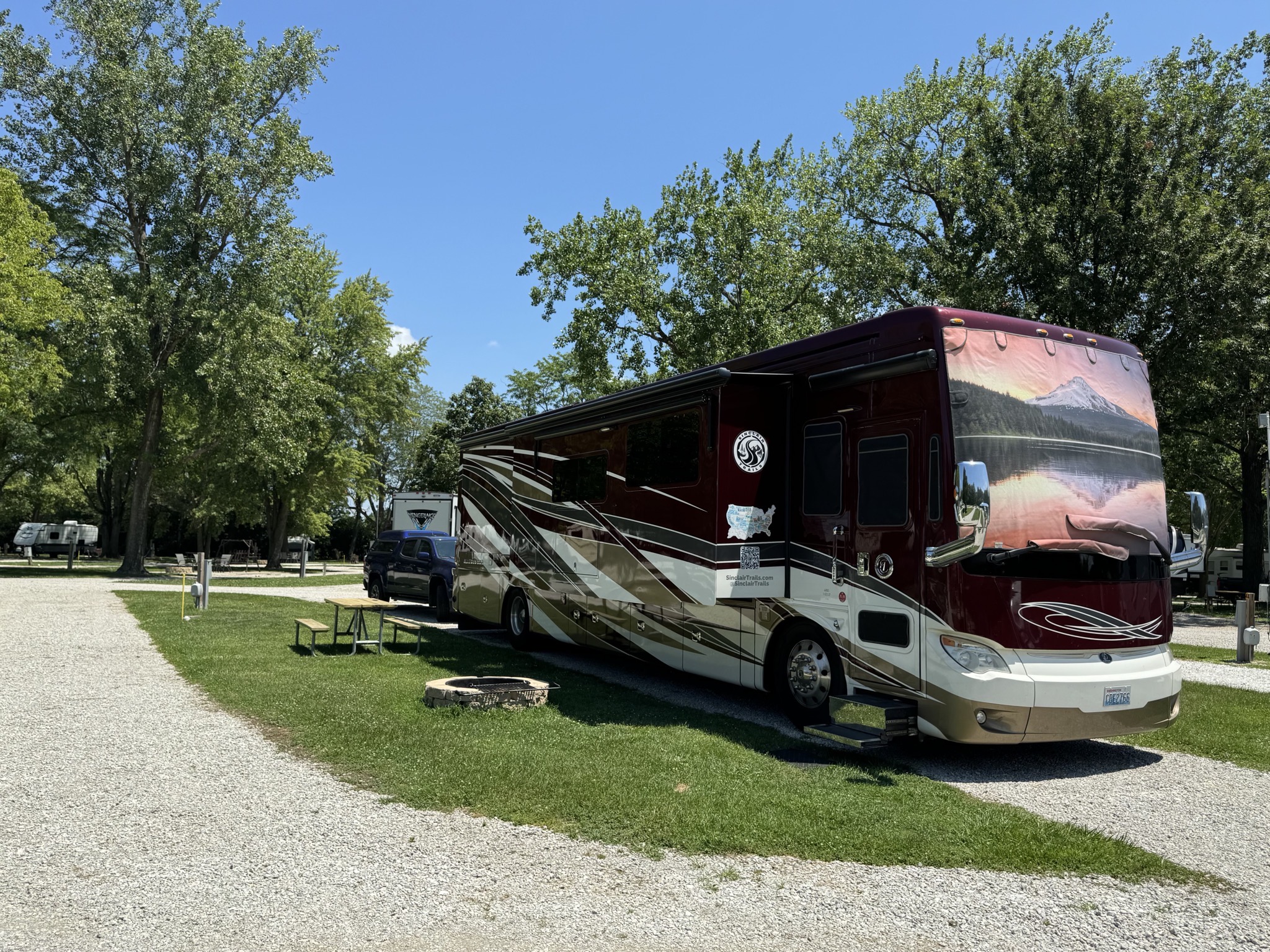
Tiffin motorhome

RV maintenance

I thought it might be helpful for other RV owners to write up a list of RV maintenance tasks, grouped by frequency. Of course, these are for our 2017 Tiffin Allegro Bus 40SP motorhome; other RVs may have different requirements, and may not have some features like water softener, dishwasher, etc. But most items would apply to any RV. If I missed anything, or you have any corrections or other comments, please let me know!

  • Weekly:
  • Monthly:
    • Run the generator under load (e.g. with ACs running) for an hour; good for a travel day.
    • Empty air tank drain valves.
    • Clean dishwasher rim and filter.
    • Spray electrical cord contacts with DeoxIT.
    • Wash coach exterior with Wash Wax All or similar.
  • 3-Monthly:
    • Backflush water softener.
    • Replace house and fridge water filters; I have 3-stage filters plus the built-in one and fridge filter.
    • Lubricate window slides with Plexus.
    • Lubricate entry door hinges with silicone lube.
    • Invert fire extinguisher and shake to loosen dry chemicals.
    • Remove shower drain cover and in sink to remove hair.
    • Check Aqua-Hot antifreeze level; should be at HOT level just after shutting off; top up if needed.
  • 6-Monthly:
    • Replace ceiling AC filters (two different types).
    • Sanitize fresh water tank.
    • Vacuum dust under fridge; a couple of screws and clips to remove panel under front of fridge.
    • Clean dryer vent from outside.
    • Polish wheel rims with Purple Polish.
    • Apply 303 Protectant to tires.
  • Yearly:
    • Replace dash AC filter. Accessed via generator compartment on rear wall.
    • Make sure emergency exit in bedroom opens easily.
    • Get waste tanks professionally cleaned.
    • Get roof seams and joints inspected at service center.
    • Get engine, generator, chassis lube, slide-outs, and Aqua-Hot serviced.

I hope this is helpful, Let me know of any updates!

303

Magnum inverter reset

Our coach has an inverter, which is a device to convert battery power into 110 volt electricity. It also manages charging the battery from the campground pedestal power.

One day the Magnum inverter panel in our coach reported an “Unknown Fault”:

Unknown Fault on the Magnum inverter panel

The fault and voltage display kept changing, with garbage values:

Unknown Fault on the Magnum inverter panel

Time to apply an old computer maxim: “when in doubt, reboot.” I looked up the instructions on how to reboot the inverter, in its manual under “Performing an Inverter Reset”:

Performing an Inverter Reset

Here’s the Magnum inverter unit in the basement; in our 2017 Tiffin Allegro Bus 40SP motorhome it is mounted on the ceiling of the frontmost main storage compartment, on the driver side:

Magnum inverter unit

So I just needed to turn off the power at the pedestal, then hold down the button (below the green light in that photo) for 15 seconds. That did the trick.